
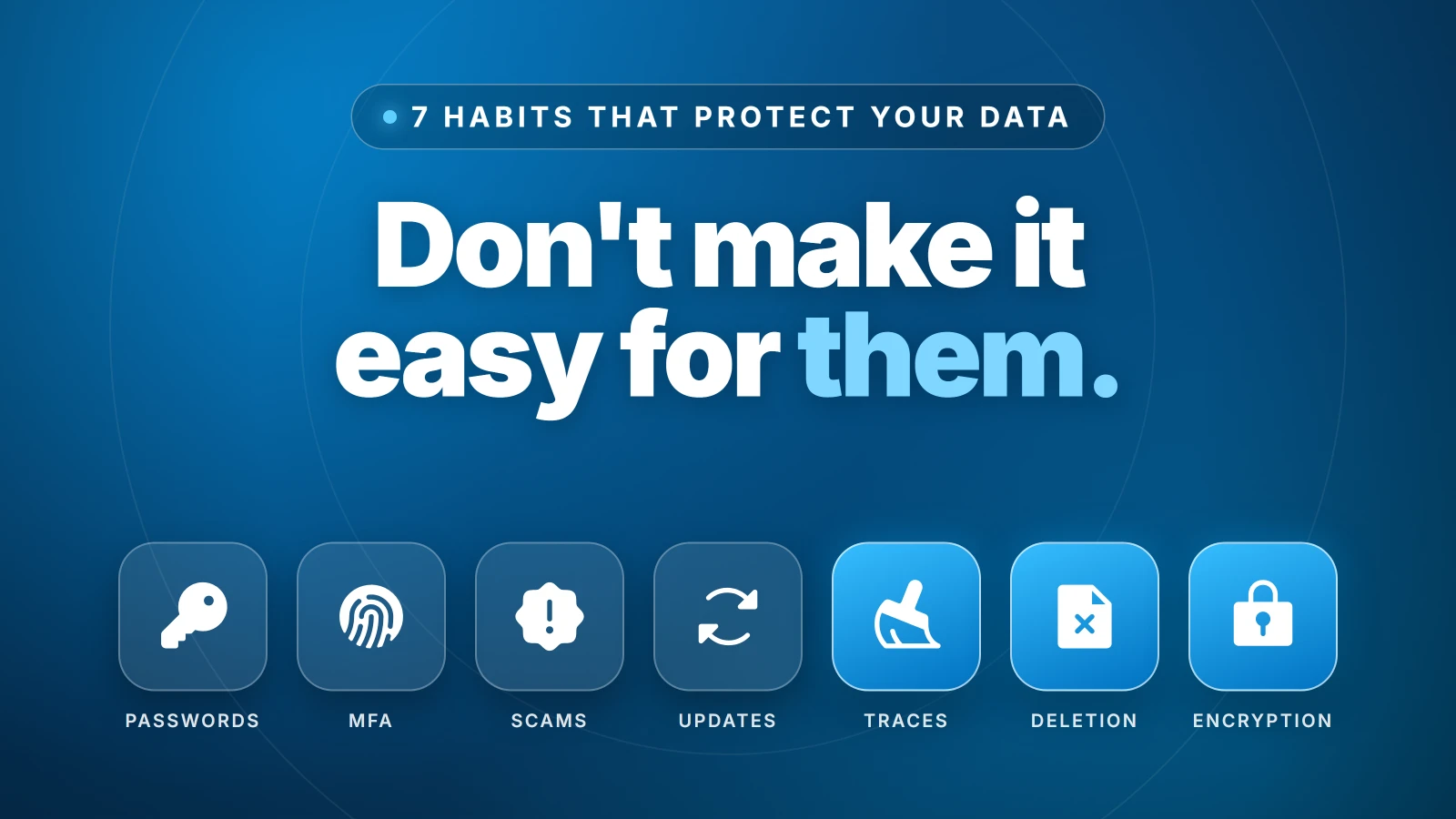
Most online attacks get in through something ordinary: a reused password, an account with no second sign-in step, a link clicked in a hurry, or a program that was never updated. Criminals look for these openings because they are easy. The cost adds up. In 2025 the FBI received more than a million cybercrime complaints, with reported losses of nearly $21 billion.
The answer is to stop making it easy for them. That is this year's theme for Cybersecurity Awareness Month from the National Cybersecurity Alliance, whose advice is that staying safe comes from "building habits and repeating them consistently in the small moments that happen every day."
The first four habits below are the Alliance's. We have added three more that protect the data on your own computer, the area East-Tec has worked in since 1997.
Use strong passwords and a password manager
When a website is breached, the stolen passwords are soon tried on other sites. If you use the same password everywhere, one breach can open all your accounts. Give every account its own long password. A phrase of several unrelated words is easier to remember and harder to guess than a short word padded with symbols.
A password manager makes this practical. It remembers every password for you behind one master password, and it can generate new ones. Choose a long master password that you have never used anywhere else.
Turn on multifactor authentication
Multifactor authentication (MFA) asks for a second proof when you sign in, such as a code from an authenticator app or your fingerprint. A stolen password alone is then not enough to get in. In a 2023 Microsoft study of real accounts, MFA reduced the risk of compromise by more than 99.2%.
Turn it on first for your email, since email can reset all your other passwords, then for banking and social media. An authenticator app is safer than codes sent by text message. Our earlier post explains how MFA works.
Learn to spot a scam, and report it
Most scams arrive as an email, a text message, or a phone call that looks routine. Watch for pressure to act now, and for requests for money, passwords, or one-time codes. A demand for payment by gift card or cryptocurrency is another warning sign, as is a sender or link that does not match the company it claims to be. When in doubt, contact the company through its official website or phone number rather than through the message.
Then report it. In the US, report scams to the FBI at ic3.gov or to the FTC at ReportFraud.ftc.gov. Elsewhere, your national cybercrime or consumer protection authority takes reports. Every report helps warn others.
Keep your software up to date
Updates close the security holes that attackers look for. According to the 2026 Data Breach Investigations Report from Verizon, 31% of breaches now start with a software vulnerability, ahead of stolen passwords.
Turn on automatic updates for Windows, your web browser, and your apps, and restart when asked, because many updates take effect only after a restart. Replace software that no longer receives security updates. If your PC still runs Windows 10, which reached end of support in October 2025, Microsoft's Extended Security Updates program keeps it patched until October 12, 2027.
Clean up what your computer remembers
Your computer keeps a detailed record of what you do. Web browsers store your history, cached copies of the pages and images you viewed, cookies, and form entries. Windows and your apps keep temporary files and lists of recently opened files, and the paging file can hold copies of what was in memory. Anyone who uses or breaks into your PC can read that record, and so can malware.
Clear your browsing data regularly, or set your browser to clear it when you close it, and clear the recent files lists in Windows. Doing this by hand across several browsers and programs takes time, so a privacy tool that does it on a schedule is a real help.
Delete sensitive files for good
Deleting a file, even emptying the Recycle Bin, leaves its contents on the drive. Windows only marks the space as free. As Microsoft explains, "the file data can still exist and be recovered" until something else overwrites it, and free recovery tools can bring such files back.
For a tax return, a scanned passport, or medical records, use a secure deletion tool, which overwrites the file before removing it. Solid-state drives (SSDs) manage their own storage, so overwriting a single file is less certain on an SSD than on a hard drive. That is one more reason to keep your most sensitive files encrypted from the start.
Encrypt what matters most
Encryption turns your files into unreadable data that only the right password or key can unlock. If a laptop is lost or stolen, or a file is copied without your knowledge, encrypted data is of no use to whoever has it.
Windows can encrypt the whole drive with BitLocker or device encryption, which protects your data while the PC is turned off. For your most sensitive files, an encrypted vault adds a second layer. The files stay locked even while you are signed in and using the PC, until you open the vault with its own password. Keep your encryption passwords and recovery keys somewhere safe, because without them even you cannot get the data back.
A quick checklist
- Give every account its own strong password, and keep them in a password manager.
- Turn on multifactor authentication, starting with your email.
- Pause before you click, and report scams.
- Turn on automatic updates.
- Clear your browsing history and other traces regularly.
- Use secure deletion for sensitive files.
- Encrypt the files that matter most.
East-Tec has made privacy and security software since 1997, and our products cover the last three habits on this list. east-tec Eraser clears what web browsers, Windows, and more than 300 programs leave behind, on a schedule if you like, and deletes sensitive files for good. For encryption, choose east-tec SafeBit or east-tec InvisibleSecrets. SafeBit keeps your files in safes protected by 256-bit AES encryption, and InvisibleSecrets can also hide them inside ordinary-looking photos and has a password manager and generator for the first habit. Each one comes with a 15-day, fully functional trial.